1. Install GetDropFlow
GetDropFlow is an extension for your own Magento store. You install it once; after that everything is done in your Magento admin.
Before you start
You need:
- Magento Open Source 2.4.9 and PHP 8.4 or newer.
- Someone who can use the server's command line (your developer or hosting support).
- Your store admin must open on https:// (a padlock in the address bar). Without it AliExpress cannot send you back after you connect.
- Magento's cron must be running (every Magento store needs this). Without it, products you publish do not show in your shop.
If your server uses MySQL with "binary logging", Magento's own installer may stop with the message "You do not have the SUPER privilege and binary logging is enabled". Ask your host to allow it (the setting is called log_bin_trust_function_creators).
Step 1 — Put the package files on the server
Your GetDropFlow download is a folder of .zip files. Upload the folder to your server, for example /home/you/getdropflow-packages.
Step 2 — Install (your developer types these)
composer config repositories.getdropflow artifact /home/you/getdropflow-packages
composer require "dropshipkit/getdropflow:^0.1.2"
bin/magento module:enable DropshipKit_Catalog DropshipKit_Orders DropshipKit_Shipping DropshipKit_Core DropshipKit_Admin
bin/magento setup:upgrade
bin/magento setup:di:compile
bin/magento deploy:mode:set production
bin/magento cache:flush
No Composer? The download also has a "manual install" zip: unzip it in the Magento folder and run the five bin/magento lines above.
Step 3 — Check that it worked
Sign in to your Magento admin. You should see:
- Catalog: three new entries — Product search, Import list, Pricing rules.
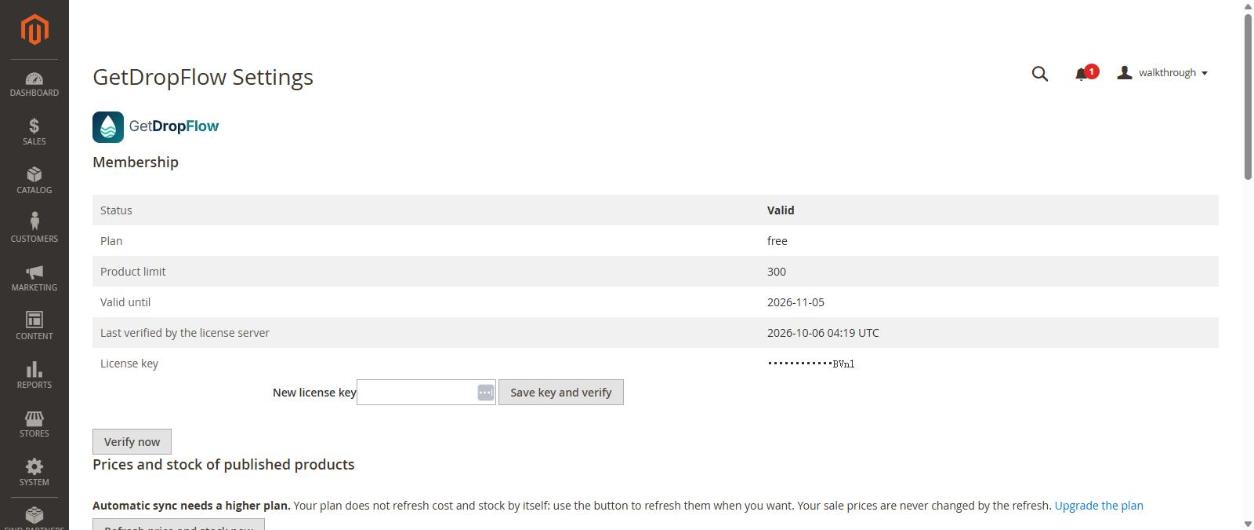
- A new top menu GetDropFlow with Settings, Risk settings, Orders and Logs.
Next
Go to article 2 to enter your license key and connect AliExpress.